

Laptops, monitors, docking stations, keyboards, headsets, and other workplace devices are assigned, reassigned, and returned as employees join projects, move between departments, or transition to new roles. Having a clear view of each asset's assignment status helps IT managers and workplace operations teams keep equipment available where it is needed.
As organizations grow and equipment inventories expand, maintaining accurate asset records becomes an important part of efficient workplace management.
Why Asset Assignment Visibility Matters
Employee asset management involves more than simply knowing where equipment is located. Organizations also benefit from understanding who is currently using each asset, when it was assigned, when it was returned, and how equipment moves throughout its lifecycle.
A well-organized asset checkout process helps teams monitor:
- Current asset assignments
- Employee check-in and check-out records
- Equipment availability
- Asset movement history
- Return status
- Shared equipment utilization
- Inventory availability across departments
This visibility supports better coordination between IT, workplace operations, procurement, and department managers.
What IT and Workplace Teams Should Monitor
Before improving asset checkout processes, organizations should identify the information that supports day-to-day equipment management.
Key areas to review include:
- Assigned employee for each asset
- Check-out and return dates
- Asset availability by location
- Shared equipment inventory
- Asset movement between departments
- Equipment lifecycle records
- Utilization reports for office devices
Reviewing these records regularly helps organizations allocate equipment more effectively while supporting future procurement and asset planning.
How RFID Improves Employee Asset Check-In and Check-Out
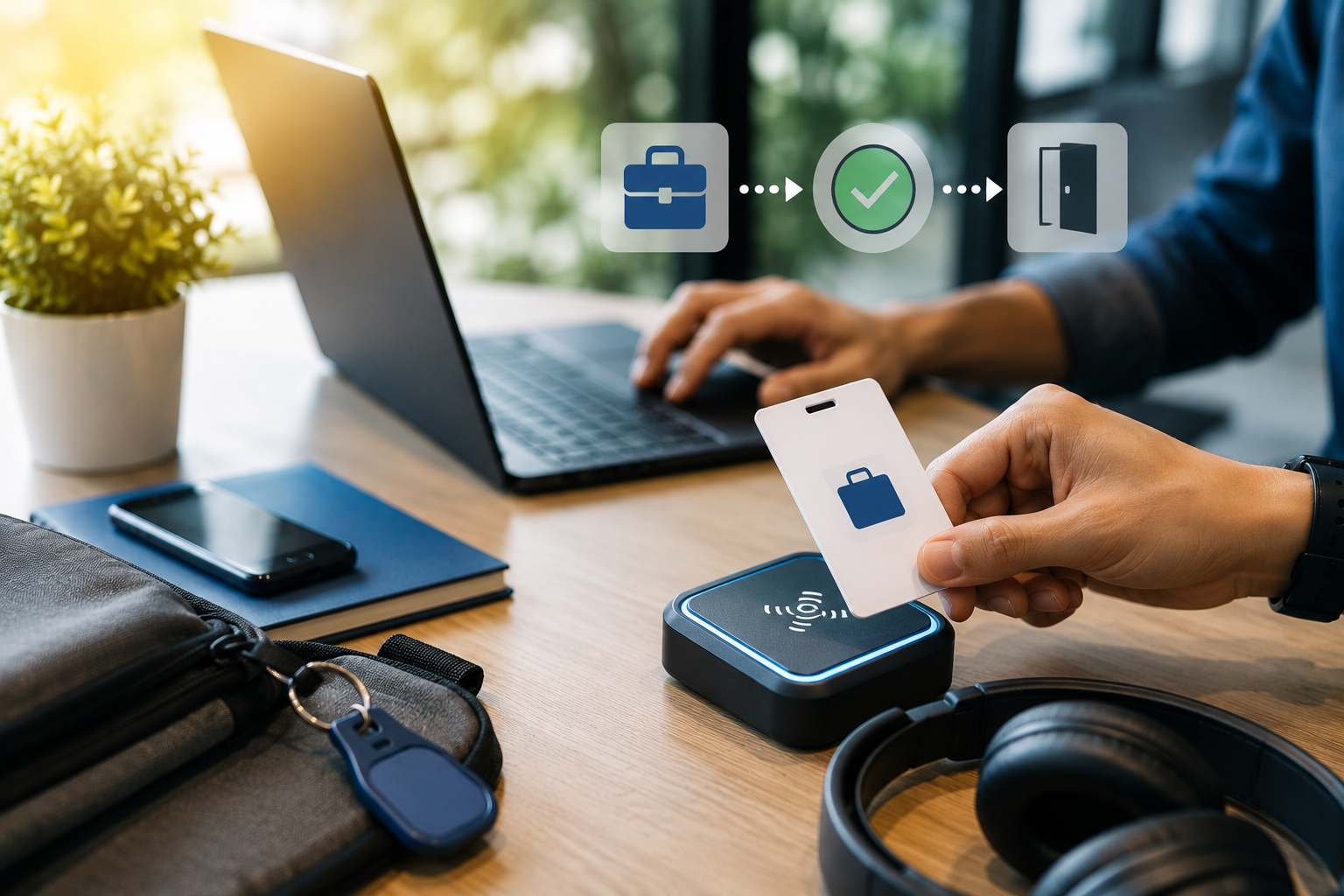
RFID tags provide each workplace asset with a unique digital identity. Combined with RFID readers positioned at checkout stations, storage rooms, or office exits, equipment assignments and returns can be recorded automatically as assets move through daily operations.
This enables organizations to:
- Automate employee asset assignments
- Record equipment returns automatically
- Monitor shared asset availability
- Maintain complete assignment histories
- Improve inventory visibility across locations
- Support planning with centralized operational data
By connecting asset identification with assignment records, organizations gain a more complete view of how workplace equipment is distributed and utilized.
How RFID Asset Checkout Management Supports Workplace Operations
An RFID Asset Checkout Management solution connects RFID identification, automated checkout workflows, and centralized asset records into a single management platform.
Depending on operational requirements, the solution can support:
- Employee asset assignment tracking
- Automated check-in and check-out recording
- Shared equipment management
- Asset movement history
- Inventory visibility across departments
- Utilization reporting
- Operational dashboards for IT and workplace managers
These capabilities help organizations maintain accurate asset records while making equipment allocation and return processes easier to monitor throughout the asset lifecycle.
Creating a More Connected Asset Checkout Process
A structured asset checkout process helps organizations maintain accurate records while ensuring workplace equipment remains available to support daily operations. Clear visibility into assignments, returns, and utilization also provides valuable information for inventory planning and future equipment investments.
For organizations looking to modernize workplace asset management, an RFID Asset Checkout Management solution offers a scalable way to connect asset identification, employee assignments, check-in and check-out activities, and inventory visibility within a centralized operational platform.