

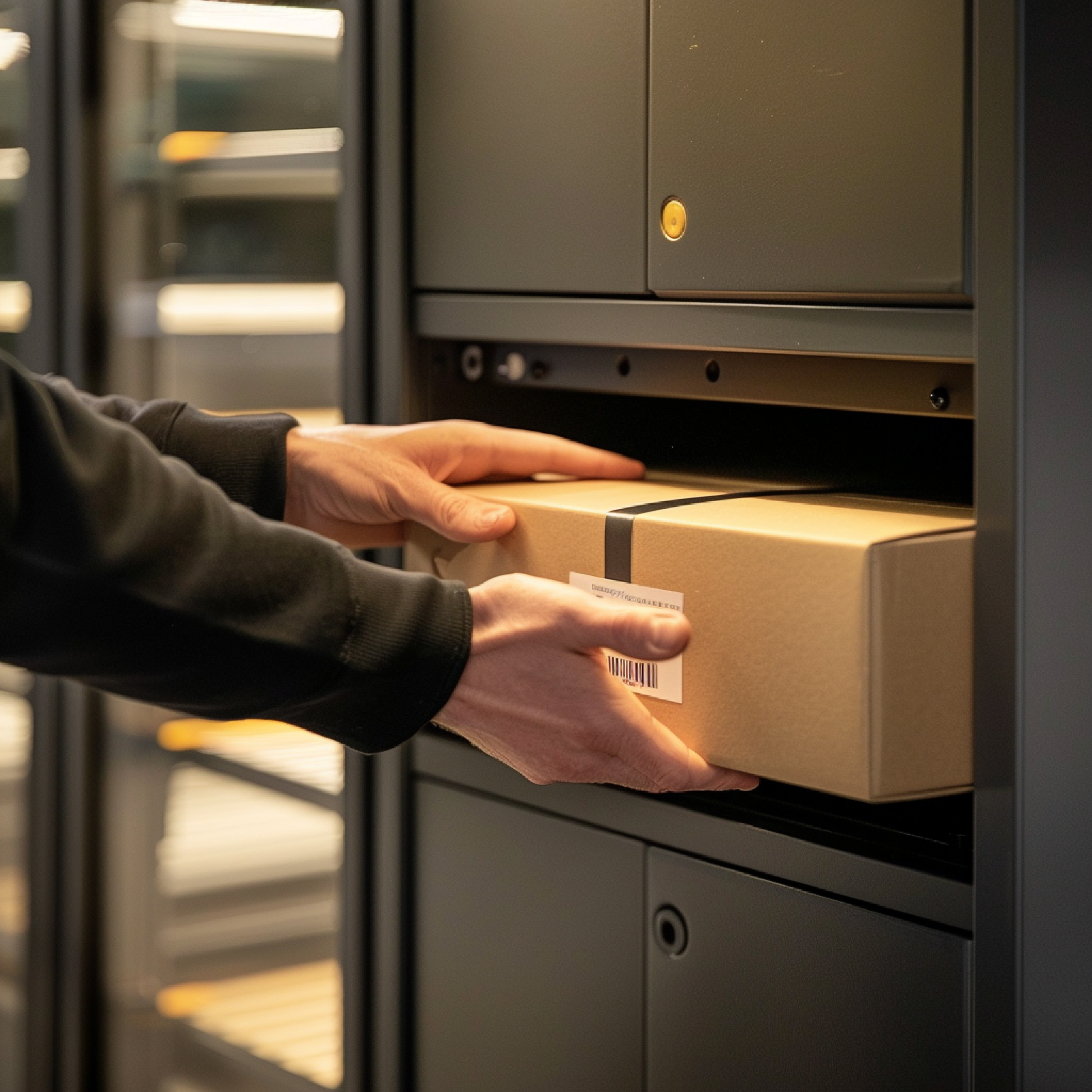
A Package Arrives at the Office. What Happens Next?
A courier delivers a package to the corporate office at 10:15 AM. The mailroom receives it, identifies the recipient, and prepares it for internal delivery. From there, the package may move to a mailroom shelf, another floor, a department, or directly to the recipient.
For Corporate Office Managers and Facility Teams, each stage represents an opportunity to create clearer package visibility.
Useful information can include:
- When the package arrived
- Which recipient it belongs to
- Where it is currently located
- When it was moved internally
- Who received it
- Whether delivery has been completed
- How long packages typically remain in each stage
When these events are connected, package management becomes easier to monitor across the entire office.
What a Smart Mailroom Should Be Able to Track
A modern mailroom can organize package information around several key data points.
Depending on the office environment, teams may track:
- Package ID
- Recipient name or employee ID
- Department
- Arrival timestamp
- Courier information
- Package location
- Delivery status
- Internal handoff
- Delivery timestamp
- Recipient confirmation
- Package history
For larger offices, location information can also be structured by building, floor, department, or designated package area.
This gives Facility Teams a consistent way to understand the status of incoming deliveries throughout the day.
Create Clear Package Statuses from Arrival to Delivery
A well-defined package workflow helps everyone understand where a delivery currently stands.
For example, a corporate office could use statuses such as:
Received → Sorted → Ready for Delivery → In Transit Internally → Delivered
Each status represents a specific stage in the package journey.
This structure also makes it easier for teams to measure how packages move through the mailroom. Managers can review how many packages are waiting for delivery, how many have reached recipients, and how long each stage typically takes.
Connected Notifications Improve Recipient Visibility
Package tracking becomes even more useful when recipients receive timely updates as their deliveries progress.
A notification workflow could look like:
- Package arrives at the mailroom.
- Package identity is recorded.
- Recipient information is matched with the package record.
- Recipient receives an arrival notification.
- Package moves through the internal delivery process.
- Delivery status is updated.
- Recipient receives a confirmation when the package is ready or delivered.
Notifications can be delivered through channels supported by the organization's system, such as email, mobile applications, messaging platforms, or internal communication tools.
This gives employees greater visibility into their deliveries while helping Facility Teams create a more organized communication flow.
How RFID Supports Package Identification
RFID adds a digital identity to packages, containers, mail bins, or other items that need to be tracked.
An RFID tag can be associated with a package record containing information such as the recipient, department, arrival time, and delivery status. RFID readers placed at configured points can then capture the identity of tagged items as they move through the mailroom environment.
For example, readers can be positioned around:
- Package receiving areas
- Mailroom sorting zones
- Internal delivery points
- Package storage areas
- Department delivery zones
The exact placement depends on the office layout, package volume, required tracking points, and RFID infrastructure.
This creates a connected identification layer for monitoring package movement throughout the office.
Connecting RFID Events with Internal Delivery
RFID becomes particularly useful when identification data is connected with package workflow information.
Consider a package with ID PKG-2026-01842 assigned to an employee in the Finance Department.
Its record could show:
|
Event
|
Information
|
|
Received
|
09:42
|
|
Mailroom
|
Central Mailroom
|
|
Recipient
|
Finance Department
|
|
Sorted
|
10:05
|
|
Internal Delivery
|
10:22
|
|
Destination
|
Finance, Floor 8
|
|
Delivered
|
10:31
|
Each event adds context to the package journey.
Facility Teams can use this information to understand package movement, while recipients gain clearer visibility into when their delivery reaches the appropriate stage.
Use Package Data to Improve Mailroom Operations
Once package activity is recorded consistently, historical data can become a useful operational resource.
Corporate Office Managers can analyze patterns such as:
- Package volume by day
- Peak delivery periods
- Packages by department
- Average internal delivery time
- Package volume by location
- Delivery completion rates
- Internal delivery activity
- Mailroom workload trends
For example, if package volume consistently peaks between 11:00 AM and 1:00 PM, the Facility Team can use that information when planning mailroom activities and internal delivery capacity.
The same data can help identify high-volume departments and locations that require greater delivery coordination.
How a Smart Mailroom Management Solution Brings It Together
A Smart Mailroom Management Solution can connect RFID identification, package records, notifications, and delivery workflows within one operational environment.
Depending on the implementation, the solution can support:
- RFID package identification
- Package receiving records
- Recipient identification
- Package location tracking
- Internal delivery tracking
- Delivery status management
- Automated notifications
- Recipient confirmation
- Package history
- Mailroom dashboards
- Package volume reporting
- Delivery performance analytics
The technology can therefore support the complete journey from package arrival through internal delivery and recipient confirmation.
For organizations looking to develop connected monitoring and RFID capabilities across office operations, Dartmedia IoT & RFID Solutions provides a relevant foundation for exploring how RFID and IoT can be applied to business processes.
What Facility Teams Should Consider Before Implementation
Every corporate office has a different layout, package volume, delivery workflow, and notification requirement. Before implementing a smart mailroom, Facility Teams can define several important elements:
- Which package types should be tracked?
- Which locations require RFID readers?
- What information should be associated with each package?
- Which events should trigger notifications?
- Which employees or departments should receive updates?
- What delivery status stages should be used?
- How should recipient confirmation be recorded?
- Which package data should be retained for reporting?
- Which systems should receive package information?
Defining these requirements first helps create a tracking workflow that fits the organization's actual mailroom operations.
Building a More Connected Corporate Mailroom
A smart mailroom brings together package identification, location information, delivery status, and recipient communication into one connected process.
RFID provides the identification layer, while IoT connectivity and software workflows can connect package events with dashboards, notifications, and operational records. Together, these technologies give Corporate Office Managers and Facility Teams a more modern way to understand package movement throughout the workplace.
With a well-designed Smart Mailroom Management Solution, organizations can create clearer package visibility, more coordinated internal deliveries, and a better-informed recipient experience. For corporate offices managing growing package volumes, this creates a scalable foundation for making everyday mailroom operations more connected, measurable, and efficient.